edit text for a Text Object the Datasource not show at the right side of dialog screen

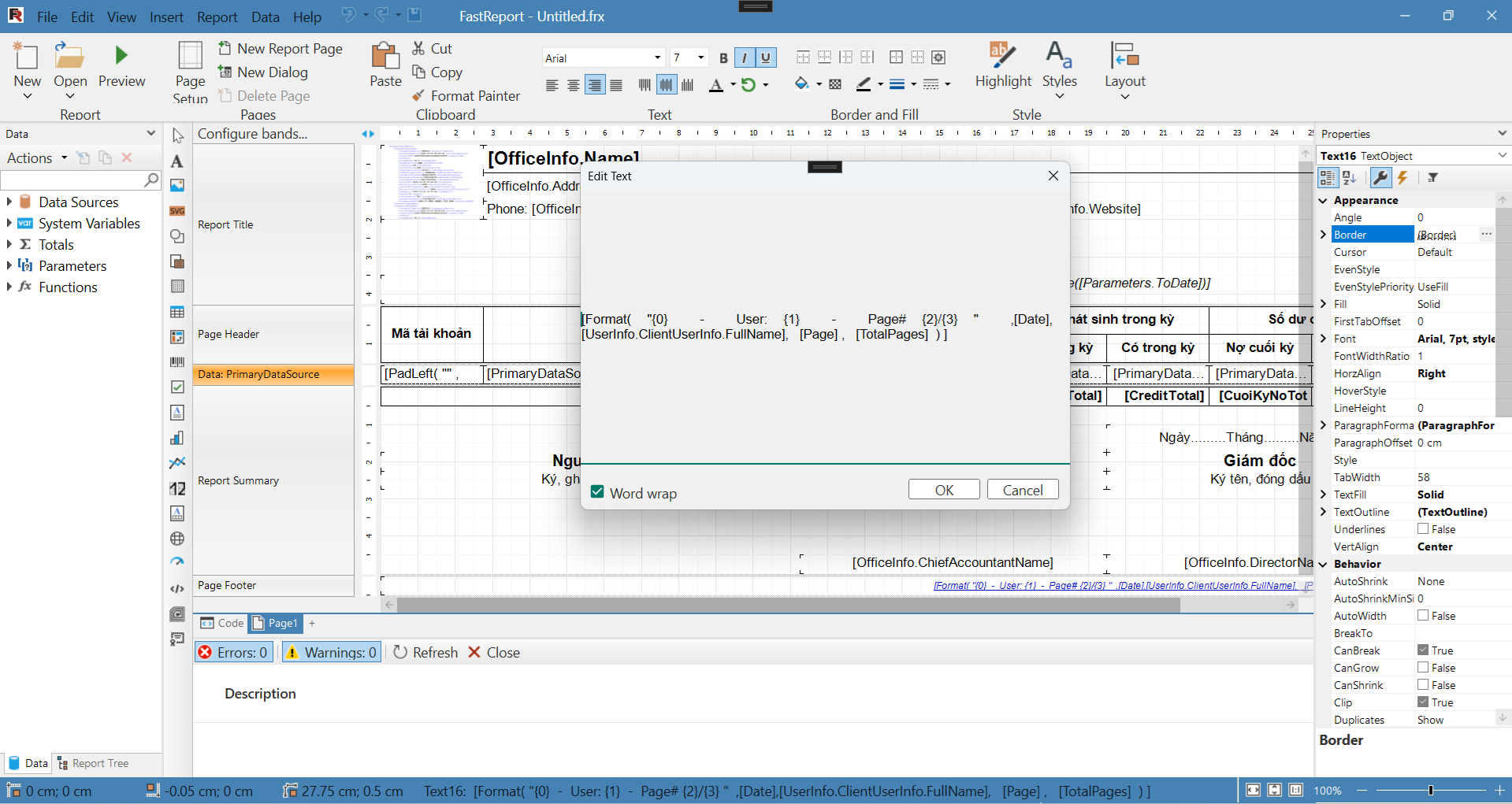
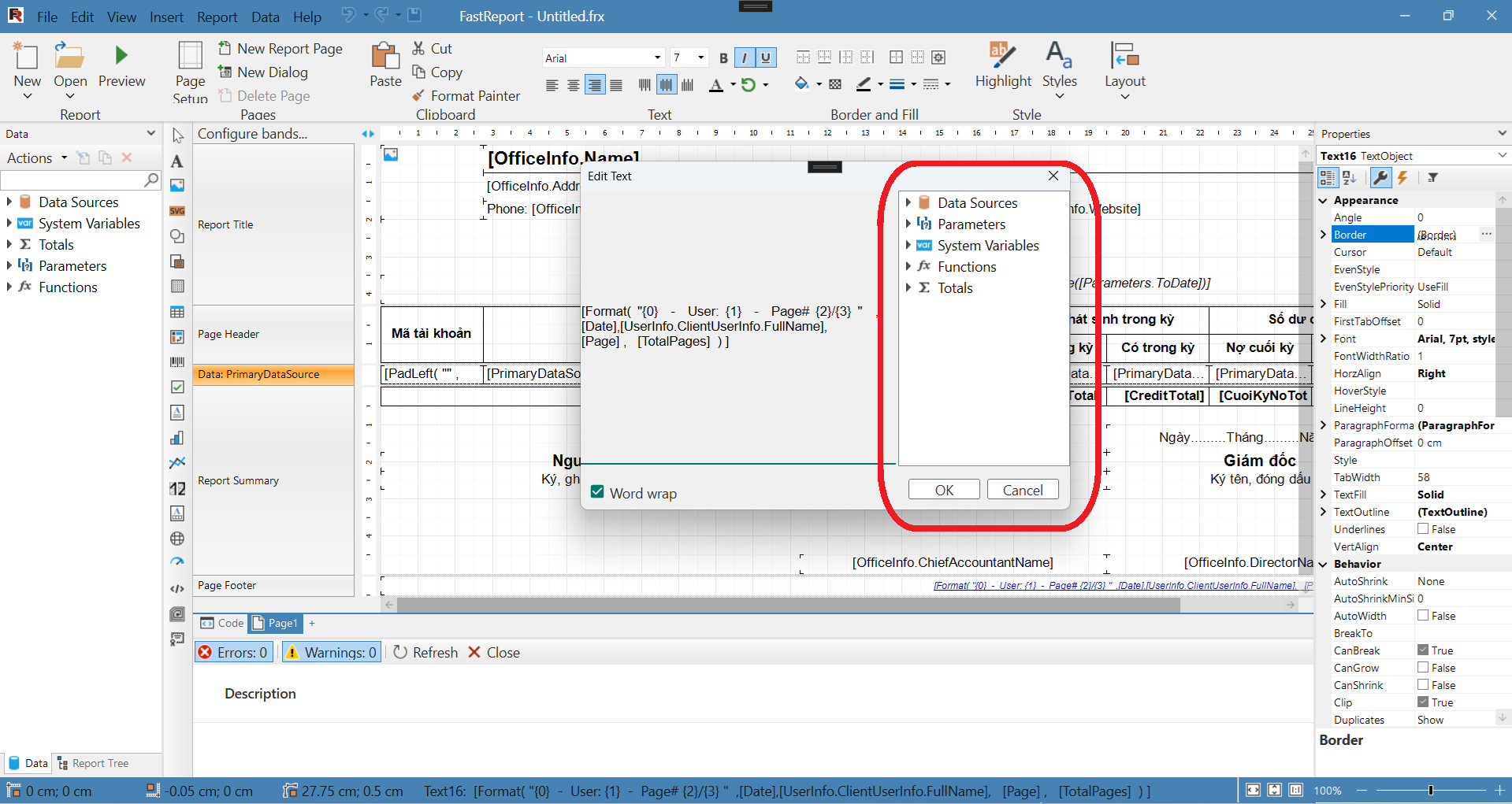
When i double click to edit text for a Text Object the Datasource not show at the right side of dialog screen, the datasource only display after i run Preview report, please see screens short below
after run report preview, and reopen Edit text dialog
Thanks
This discussion has been closed.
Comments
I have the same problem in WinForms.
The issue happens only when the Report instance is attached to a PreviewControl before calling the Designer (e.g.
report.Preview = previewControl).When I open the Edit Text dialog, the right panel (Data, System Variables, Functions) is completely empty.
However, if I click Preview inside the designer once, the right panel suddenly appears and everything works normally.
This happens even if I do not register any data sources.
So it seems that the designer does not initialize the internal data tree until the first preview is executed.
Hello!
I have tested the latest version and the issue could not be reproduced.
Could you please send the affected application to our support ticket so that we can resolve the issue more quickly: https://cpanel.fast-report.com/tickets