GS1 DataBar Stacked and GS1 DataBar Stacked Omnidirectional barcode Invalid character in input code

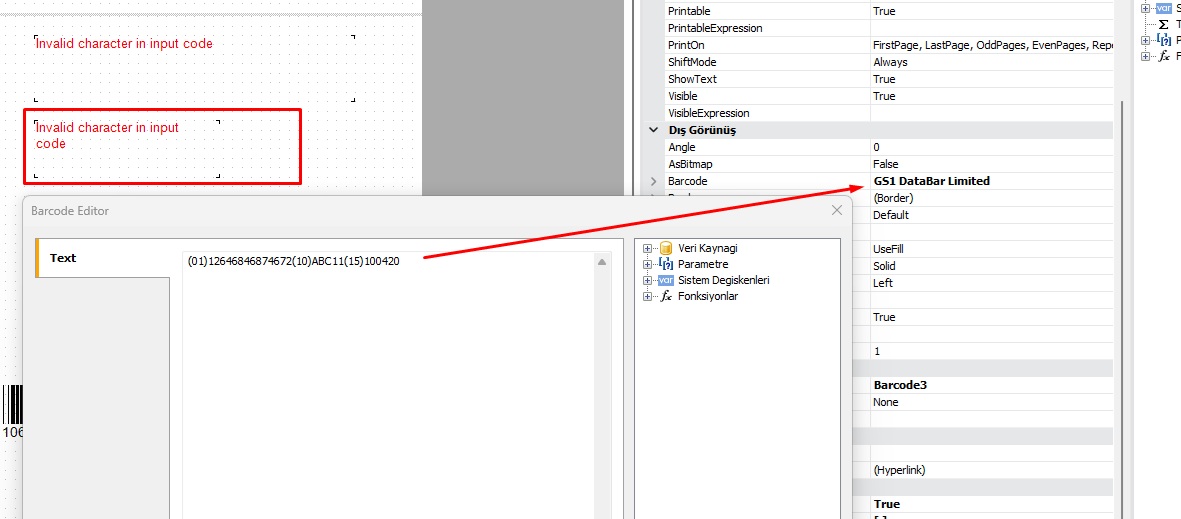
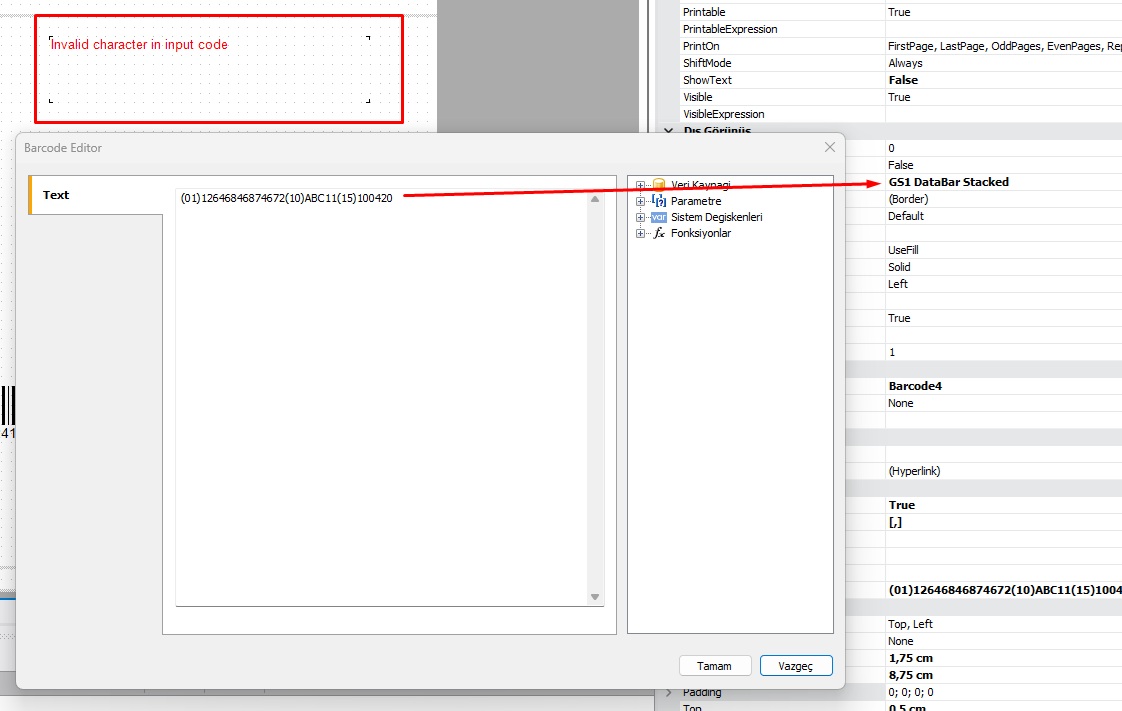
I'm trying to create GS1 DataBar Stacked and GS1 DataBar Stacked Omnidirectional barcodes. When I enter (01)08684225231863 as the data, I can preview the barcode, but when I try to preview (01)08684221234563(3103)000000(17)251230(251)TR03008987654(7007)251215, I get an "invalid character in input code" error. I would appreciate any help from anyone with knowledge on this subject.
Thank you
Comments
Hi
GS1 DataBar Stacked Omnidirectional supports only a single Application Identifier (01) with a 14-digit GTIN.
To encode multiple Application Identifiers ((01), (3103), (17), (251), (7007)), use GS1 DataBar Expanded Stacked - this type supports up to 74 numeric characters and all GS1 AIs.