edit text for a Text Object the Datasource not show at the right side of dialog screen

When i double click to edit text for a Text Object the Datasource not show at the right side of dialog screen, the datasource only display after i run Preview report, please see screens short below
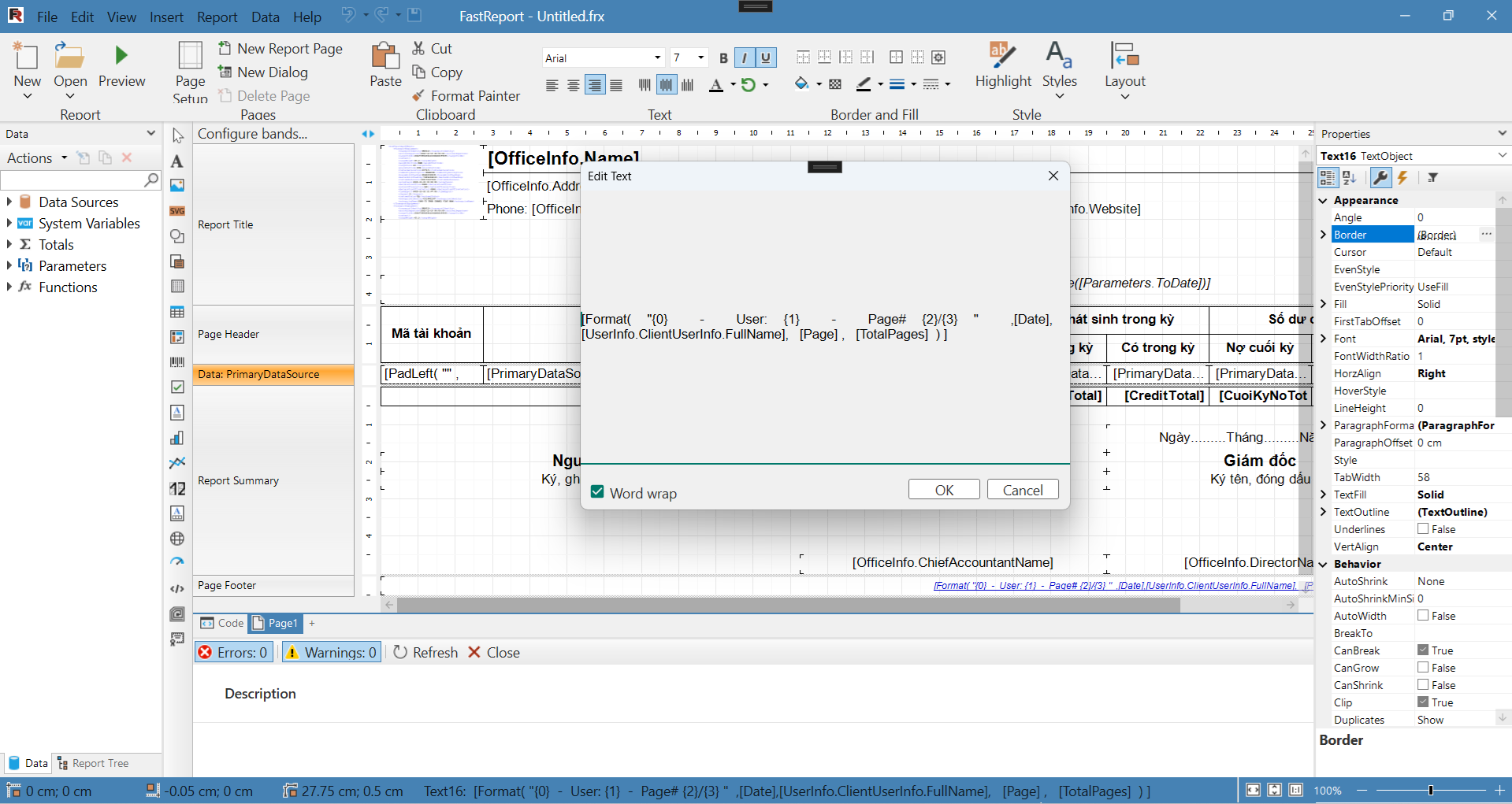
after run report preview, and reopen Edit text dialog
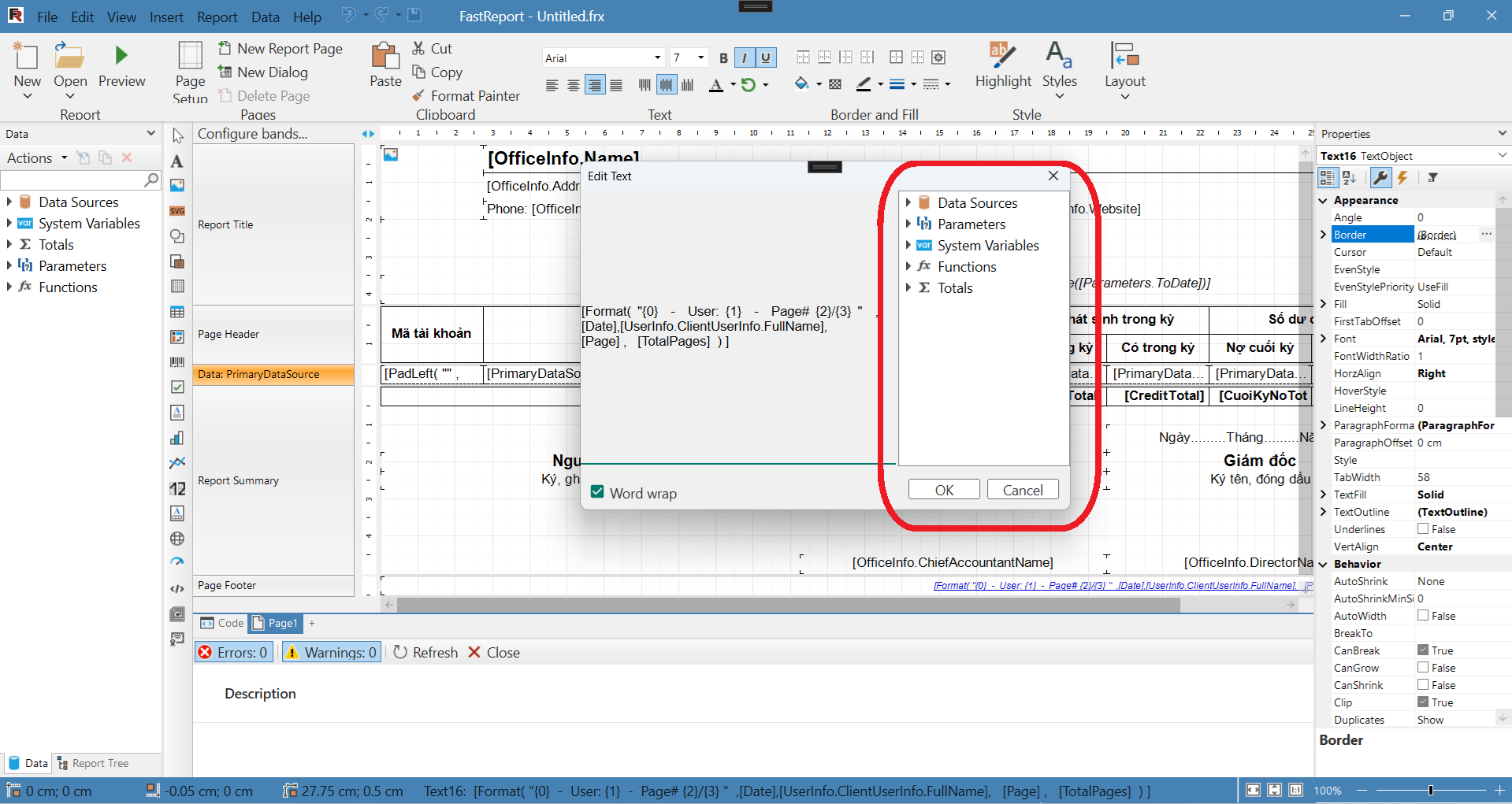
Thanks
Comments
I have the same problem in WinForms.
The issue happens only when the Report instance is attached to a PreviewControl before calling the Designer (e.g.
report.Preview = previewControl).When I open the Edit Text dialog, the right panel (Data, System Variables, Functions) is completely empty.
However, if I click Preview inside the designer once, the right panel suddenly appears and everything works normally.
This happens even if I do not register any data sources.
So it seems that the designer does not initialize the internal data tree until the first preview is executed.